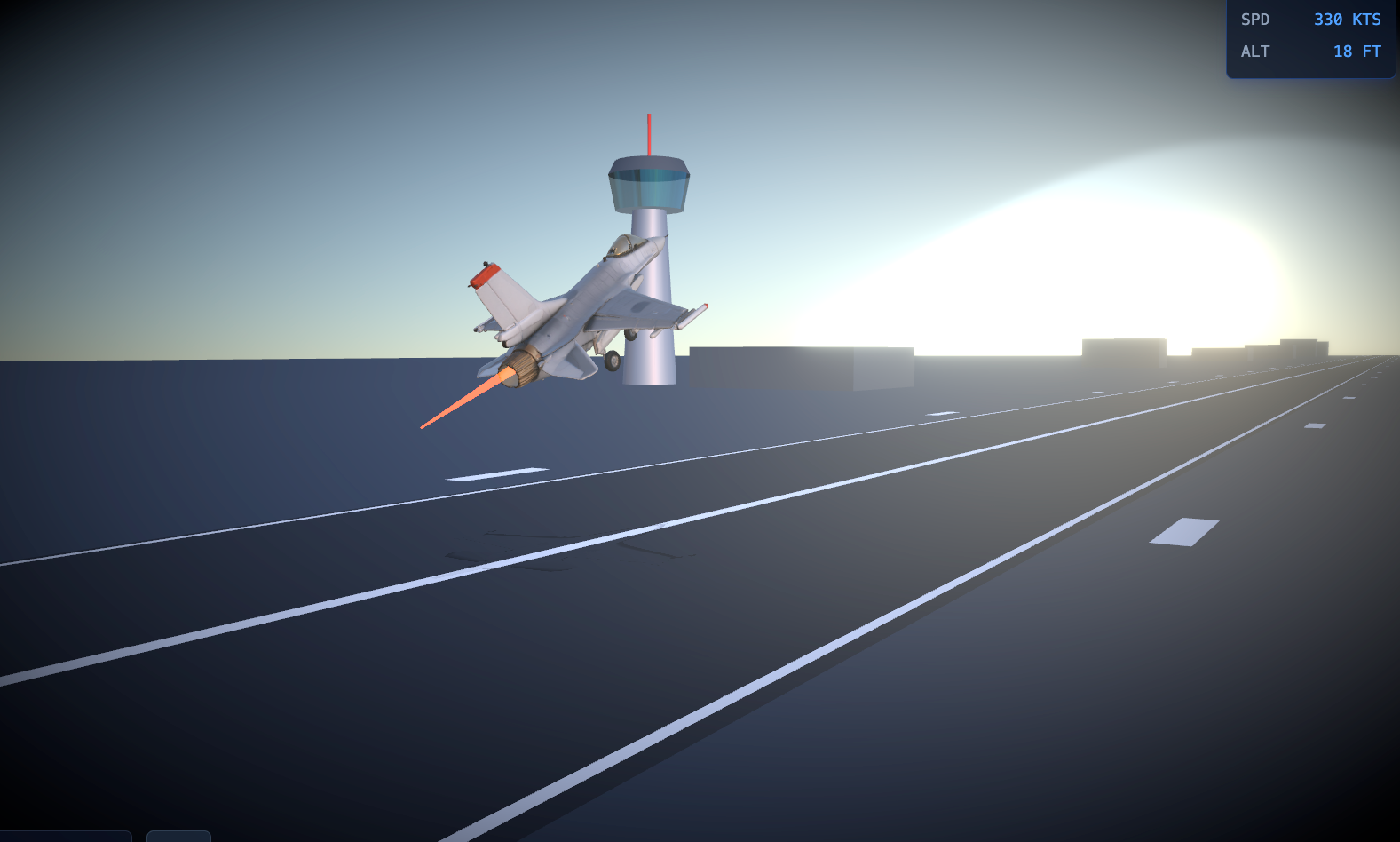
When we think of 3D flight simulations, we usually picture heavy game engines like Unreal or Unity. But the modern web is incredibly powerful. I wanted to see how far I could push the browser using just React, Three.js, and native Web APIs.
The result? A fully interactive, cinematic F-16 takeoff simulation running at a buttery-smooth 60 FPS, complete with procedural audio, physics, and in-browser video recording.
Here is a deep dive into how I built it, the challenges I faced, and the solutions I found.
1. The Visuals: React Three Fiber & Dynamic Afterburners
The core of the project is built on @react-three/fiber (R3F), a React reconciler for Three.js. It allows you to build 3D scenes declaratively using React components.
I started by loading an F-16 .glb model. But a static model isn't exciting. To make it feel alive, I needed an afterburner.
Instead of using complex particle systems, I created a procedural flame using a simple cylinder geometry. By hooking into R3F's useFrame loop, I dynamically scaled the flame's length and width based on the jet's current speed. I also added high-frequency sine wave noise to simulate the flickering of the exhaust.
Combined with @react-three/postprocessing for a Bloom effect, the exhaust glows intensely against the dark runway.
2. Physics & The "Smart" Landing Gear
A plane doesn't just slide forward; it rotates (pitches up) before lifting off. I implemented basic physics variables: speed, acceleration, and altitude.
The most satisfying detail to build was the landing gear.
Initially, I tried to retract the gear based on speed. But this looked wrong—the gear would fold up while the plane was still rolling on the tarmac!
The fix was to tie the animation to the altitude. Using THREE.MathUtils.lerp, I created a smooth transition:
codeJavaScript
useFrame(() => {
  if (gearRef.current) {
    if (altitude > 2) {
      // Airborne: Fold gears backward and retract into fuselage
      gearRef.current.rotation.x = THREE.MathUtils.lerp(gearRef.current.rotation.x, -Math.PI / 2, 0.05);
      gearRef.current.position.y = THREE.MathUtils.lerp(gearRef.current.position.y, 0.5, 0.05);
    } else {
      // Grounded: Keep gears down
      gearRef.current.rotation.x = THREE.MathUtils.lerp(gearRef.current.rotation.x, 0, 0.2);
    }
  }
});
The moment the jet crosses the 2-meter altitude mark, the gear seamlessly tucks away.
3. Procedural Audio: Throwing Away the MP3s
I could have just looped an .mp3 file of a jet engine, but that feels static. As the jet accelerates, the pitch and volume of the engine should change dynamically.
Enter the Web Audio API. I synthesized the entire soundscape from scratch using pure math:
- The Engine Roar: A white noise buffer passed through a lowpass BiquadFilter.
- The Turbine Whine: A simple sine wave OscillatorNode.
- The Afterburner Rumble: White noise passed through a bandpass filter.
As the speed variable increases, I dynamically update the frequencies and gains of these nodes. The faster the jet goes, the higher the turbine whines and the deeper the afterburner rumbles. It sounds incredibly immersive, and it costs 0 bytes of network payload!
4. The Final Boss: In-Browser Video Export
I wanted users to be able to click a button, record their takeoff, and download a video to share on Twitter/X.
Capturing the 3D canvas is easy enough using canvas.captureStream(60). But there was a catch: the video was completely silent. Because my audio was generated via the Web Audio API, it wasn't attached to the Canvas element.
To fix this, I had to route my master audio gain into a MediaStreamDestination, extract the audio tracks, and merge them with the canvas video tracks:
codeJavaScript
// 1. Get video stream from Canvas
const canvasStream = canvas.captureStream(60);

// 2. Get audio stream from Web Audio API
const audioStream = audioContextDestination.stream;

// 3. Merge them!
const tracks = [...canvasStream.getVideoTracks(), ...audioStream.getAudioTracks()];
const combinedStream = new MediaStream(tracks);

// 4. Record
const recorder = new MediaRecorder(combinedStream, { mimeType: 'video/webm;codecs=h264,opus' });
🐛 The Social Media Codec Bug
Initially, I tried to save the file as an .mp4. However, browsers natively encode audio as Opus. Packing Opus audio into an MP4 container resulted in an "Incompatible audio codec" error when uploading to Twitter/X.
The solution? Switching the container to .webm. WebM natively supports H.264/VP9 video with Opus audio, and modern social platforms parse it perfectly.
Conclusion
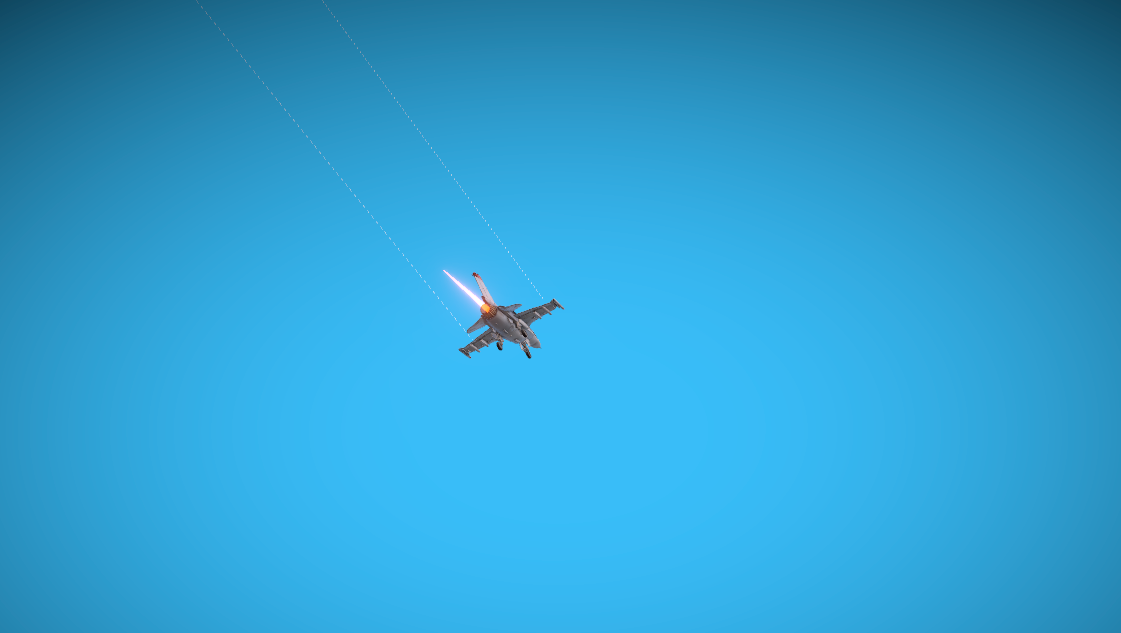
Building this simulation was a fantastic reminder of how capable the modern web platform has become. You don't always need a heavy engine to create cinematic, interactive 3D experiences. With React Three Fiber, the Web Audio API, and a bit of math, the browser is your canvas.
What’s next? I’m thinking about adding a chase camera, barrel rolls, or maybe even a sonic boom effect when breaking the sound barrier.
Have you built anything crazy with WebGL recently? Let me know in the comments!